To add, edit, or delete a project for a client, please view the Managing Projects topic.
Every client has at least one active project. This is a requirement and the EYH system will automatically assign a miscellaneous project to each new client when it is added to the system for the first time. However, if you would like to define additional default projects, you can do so with project presets:
toolbar button for Project Presets

Pop-up form for Project Presets
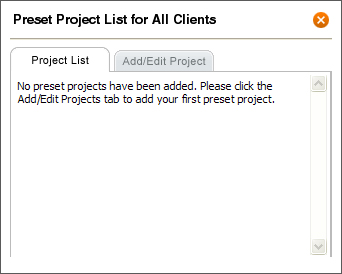
Every project you add to Project Presets will automatically appear in the project list for any new client you add to the system. If you check the "add to the current client list" option, the project will also be applied to all existing clients.